Drop a pin on your destination and pick how far out you want the alert. Astray watches the route and sounds the alarm as you approach — even with the app in your pocket — then tells you the moment you're there.
No account. No sign-up. Your location never leaves your device — ads keep Astray free.

Falling asleep on a late train or a long bus ride is easy. Missing your stop is worse. Astray keeps an eye on the route so you don't have to — and wakes you up just before you need to get off.
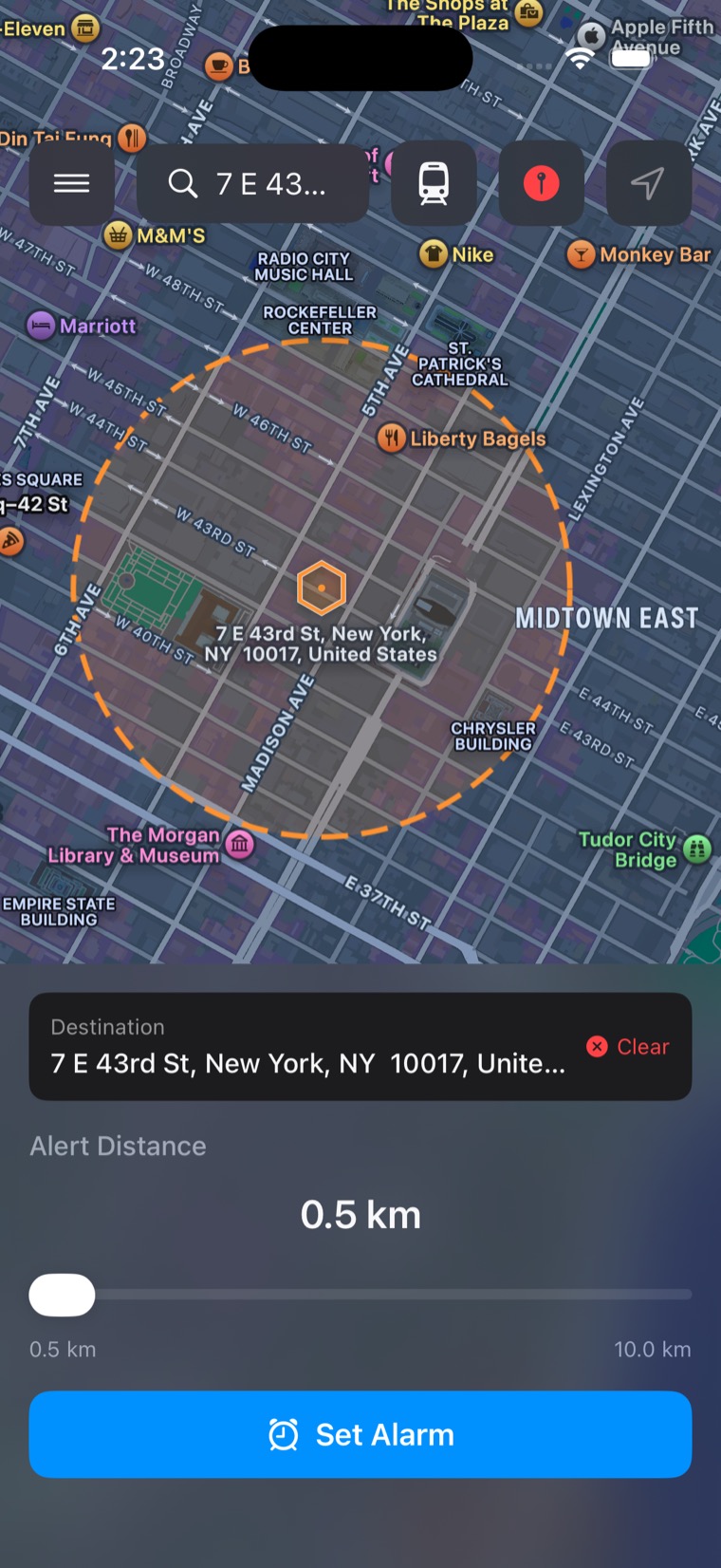
Search for a stop and slide to set how far out you want the alarm — 0.5 km at the tightest, 10 km at the widest. A dashed ring previews the zone first, and one tap arms it.
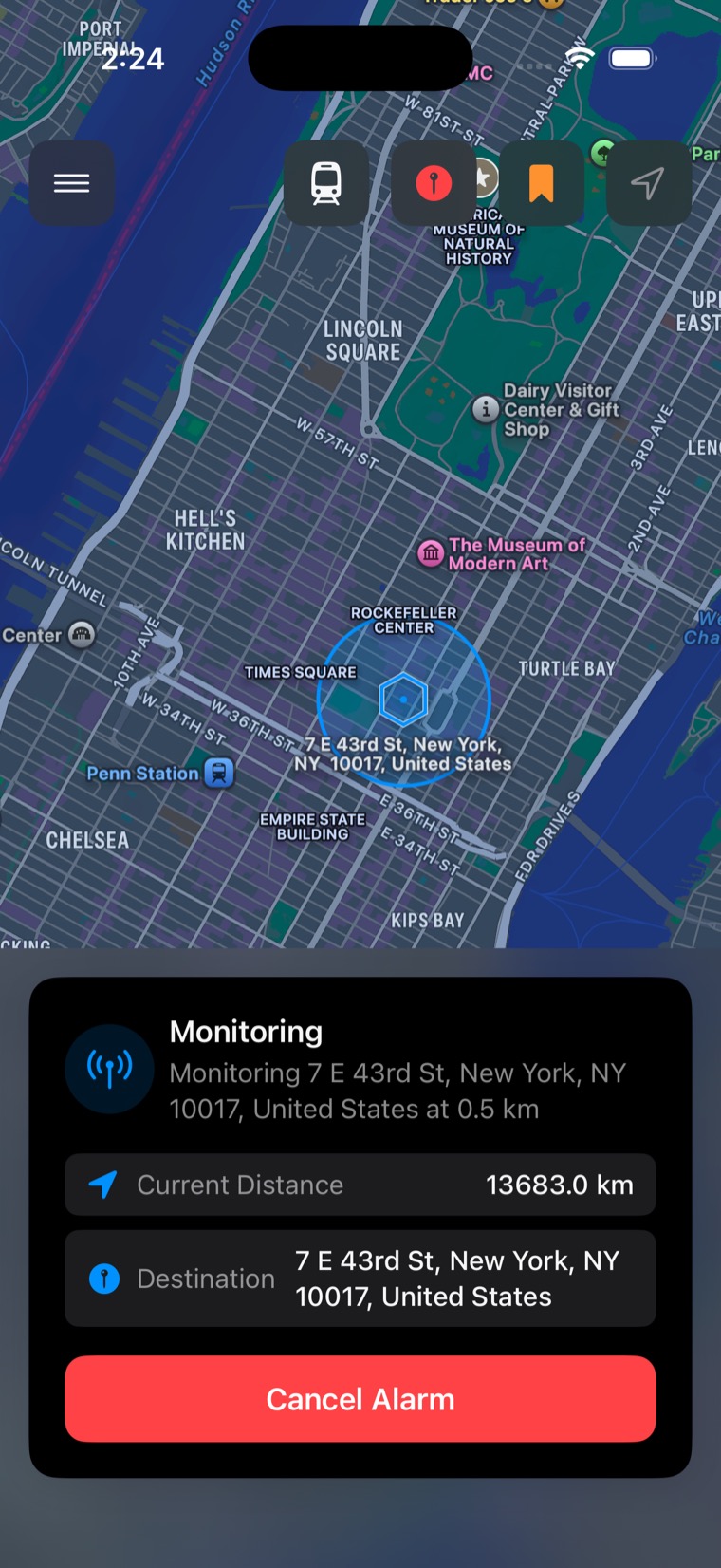
Once the alarm is armed the ring turns solid blue, and the card spells out exactly what's being watched — the destination, the radius, and how far away you are right now. Changed your mind? One tap cancels it.
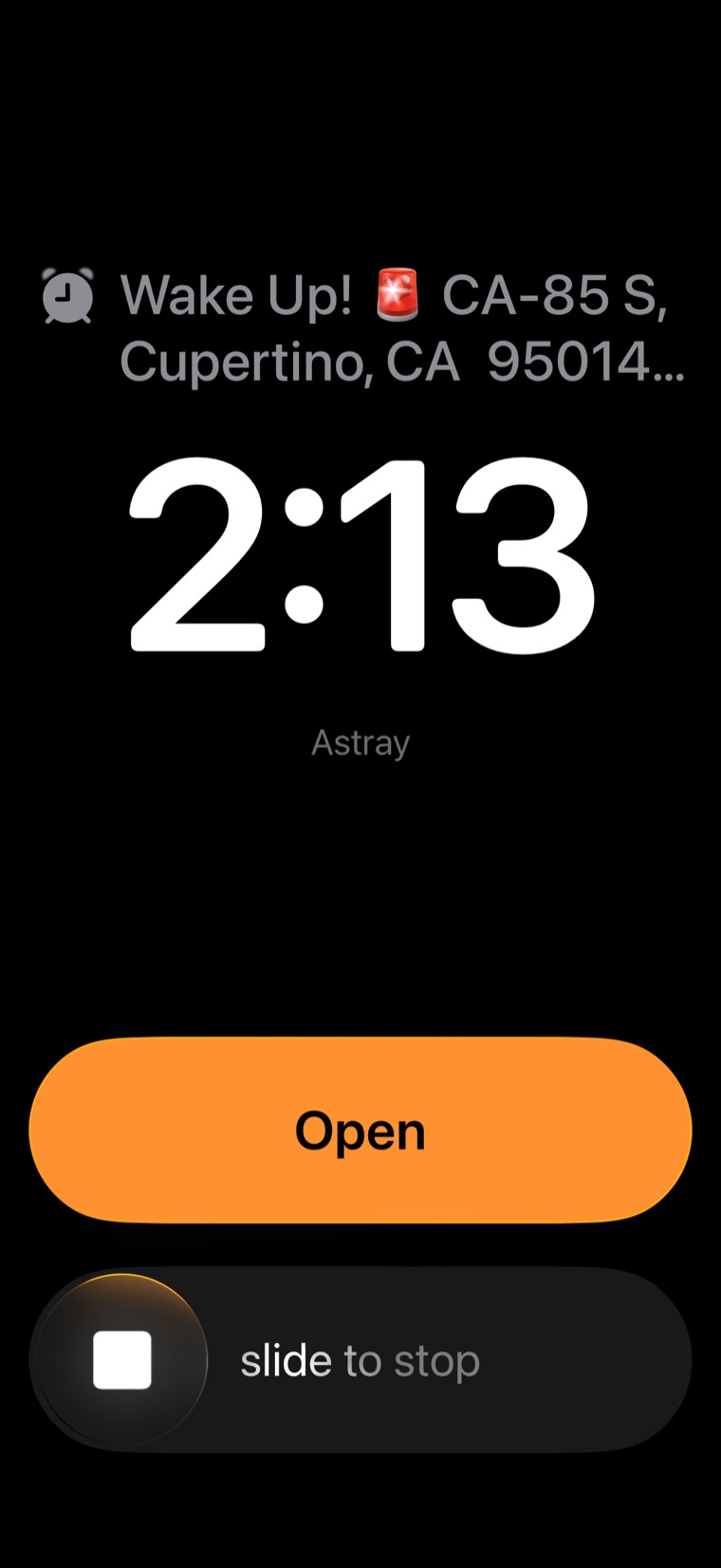
Cross the edge and Astray fires a real system alarm — not a notification you can swipe away. It takes over the lock screen with the destination, works with the screen off, and stops only when you slide.
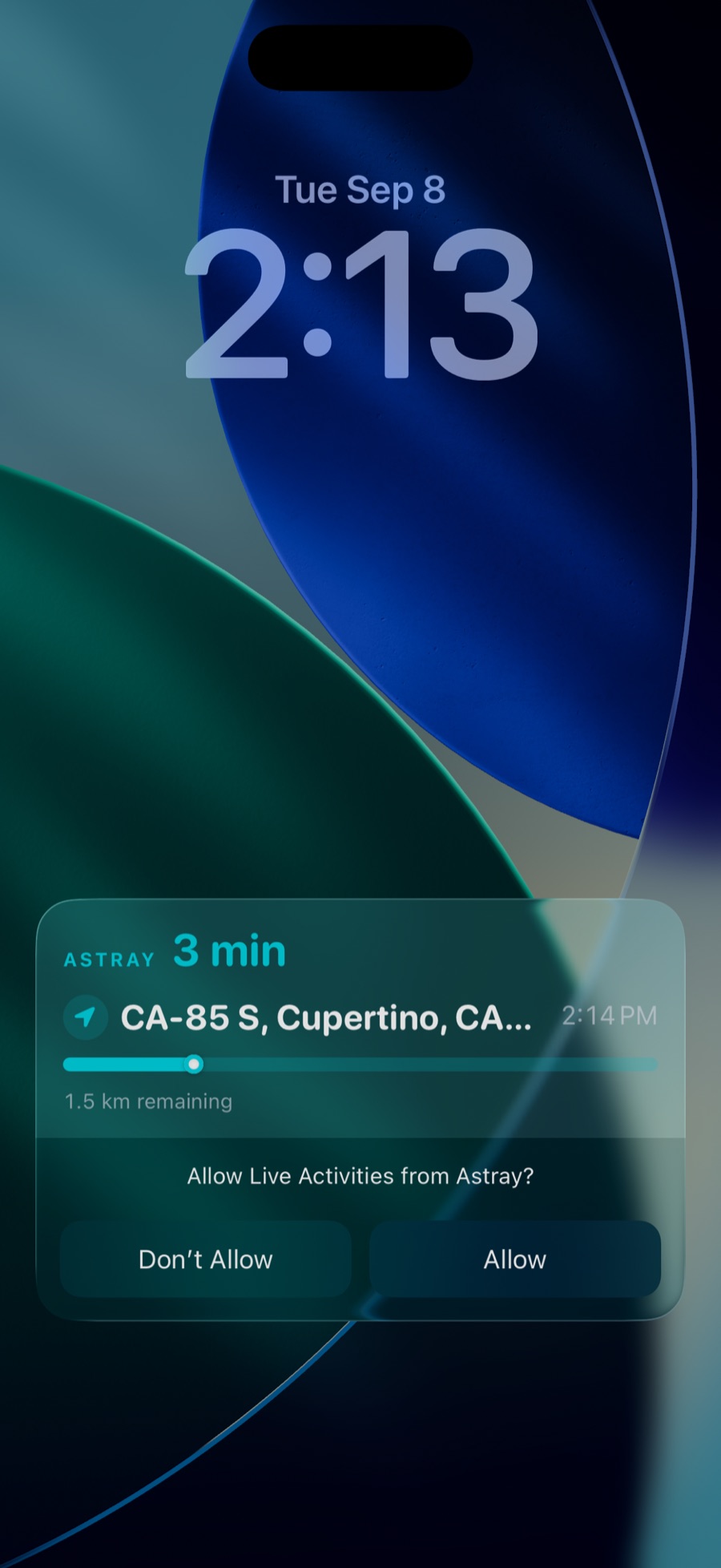
Your trip lives on the lock screen and in the Dynamic Island — minutes to arrival, the exact arrival time, and how far you have left to go. When the alarm itself sounds, pause, resume, or stop it straight from the notification.
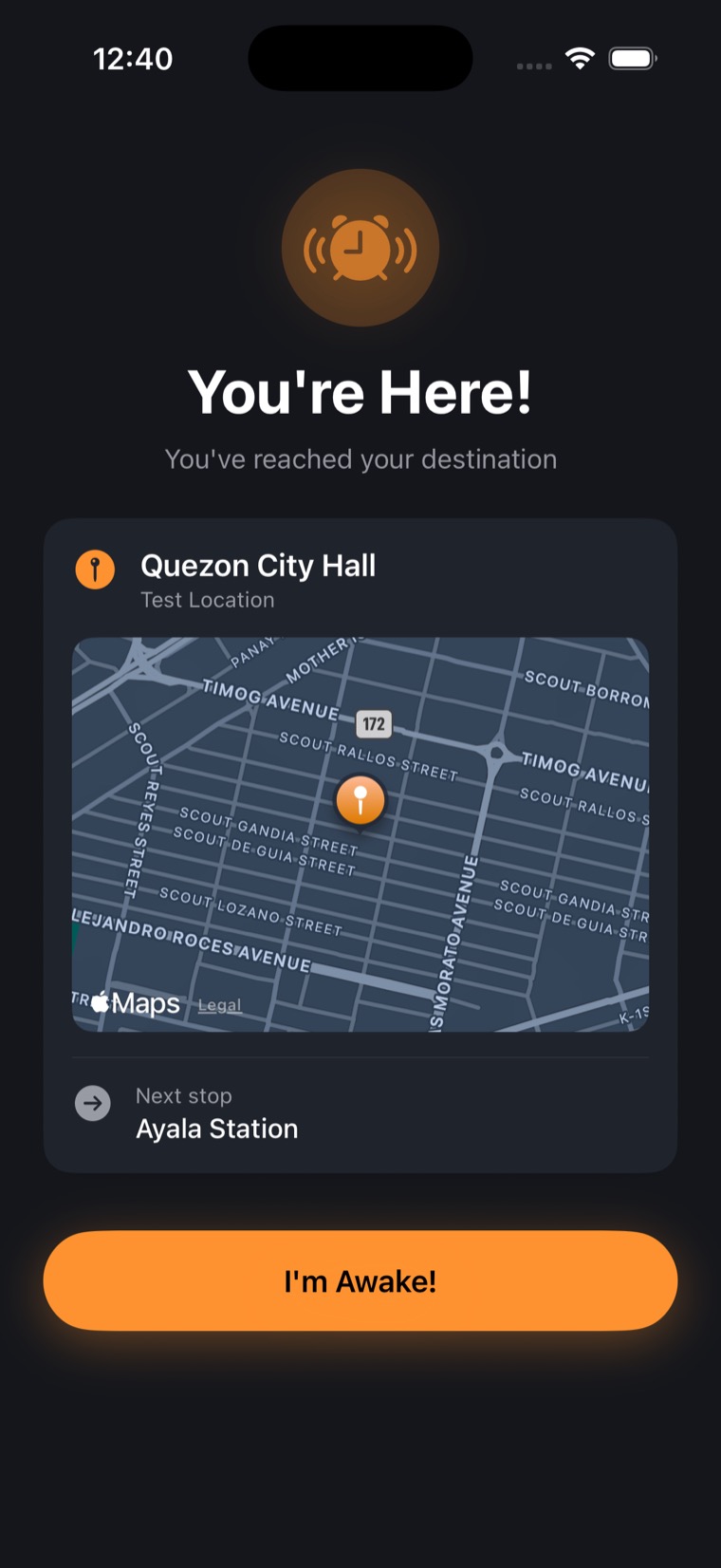
Chain several stops into one trip. As you reach each stop, Astray names the one you're heading to next — so a transfer never takes you by surprise — while a trip-wide Live Activity keeps your ETA and current leg in view.
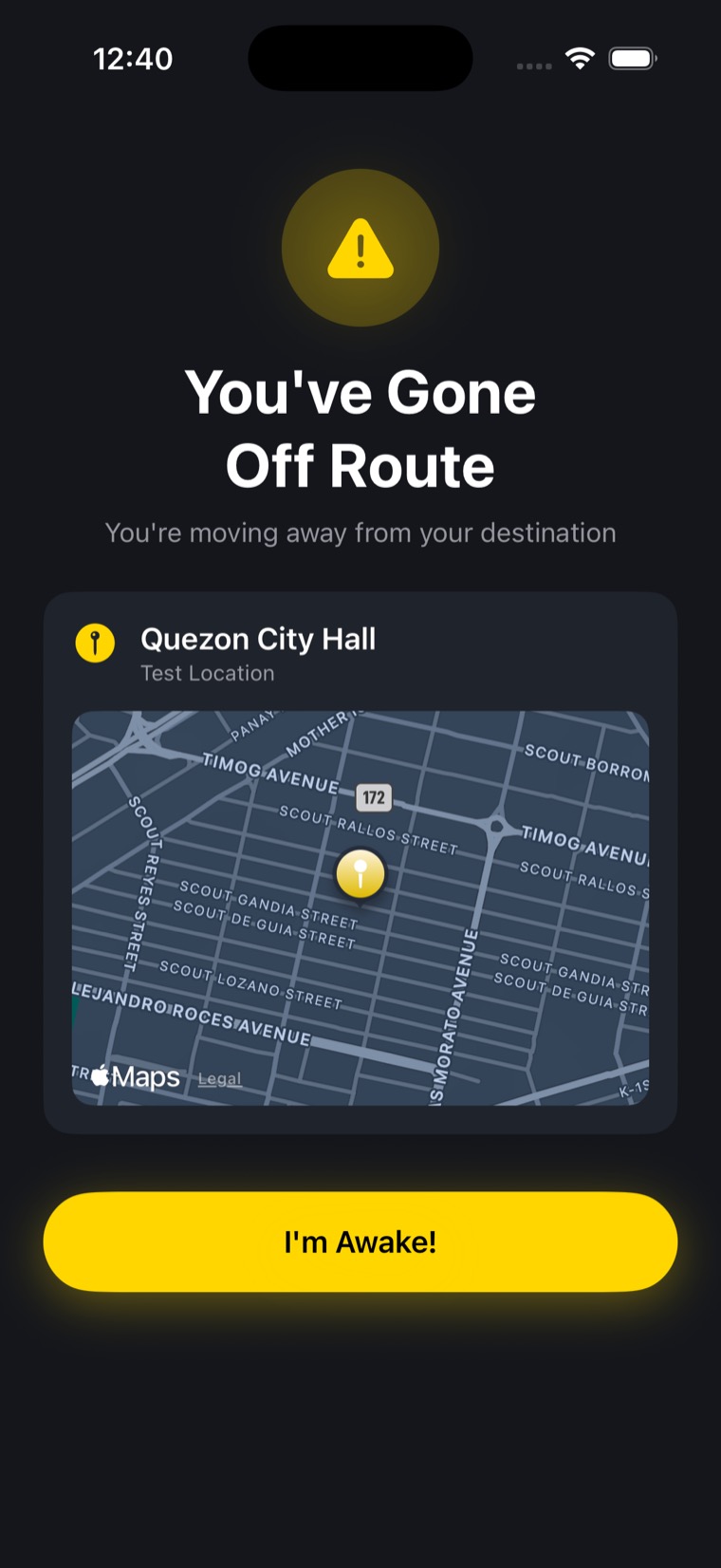
Astray watches your progress and, if you start moving away from your destination, takes over the screen to tell you so — with an alarm behind it — while there's still time to turn back.
Draw a custom-shaped area instead of a circle. Astray checks precisely whether you've entered it. Pro
English, 中文, 日本語, ไทย, 한국어, Tiếng Việt, Bahasa Indonesia, Bahasa Melayu, हिन्दी, తెలుగు, and 粵語.
Your location and destinations never leave your device, and every distance check happens there. Ads and anonymous usage stats keep Astray free.
Uses AlarmKit for real background alarms and Live Activities, tuned for the latest iPhone experience.
Location precision scales with distance to your stop, so a long trip doesn't drain your battery.
Keep your regular stops — home, work, the gym — one tap away.
Stop watching the clock. Let Astray watch the map — and never miss your stop again.
 Astray